How do I change my frequency?Updated 2 months ago
Adjust Frequency
You will need to follow these steps:
- Login to your account portal or select manage subscriptions:

- Proceed to select "MANAGE SUBSCRIPTIONS":
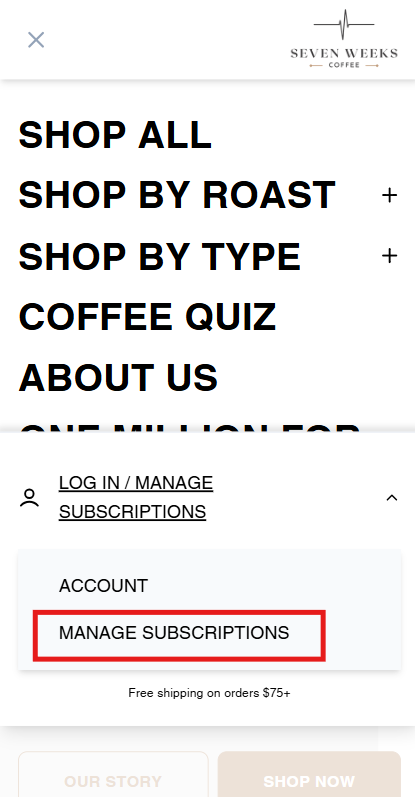
P.S. These instructions are for a mobile device. If you are on a computer the option to login and manage subscription will be on the top right of our home page.
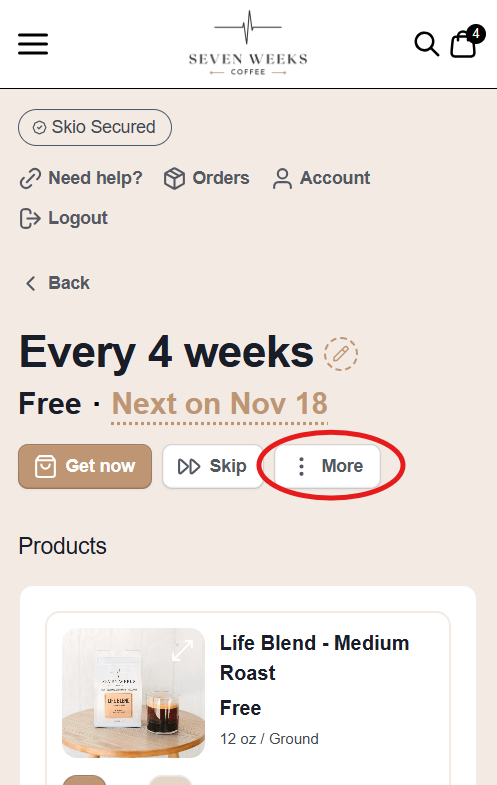
3. Click on the three dots next to "Skip":
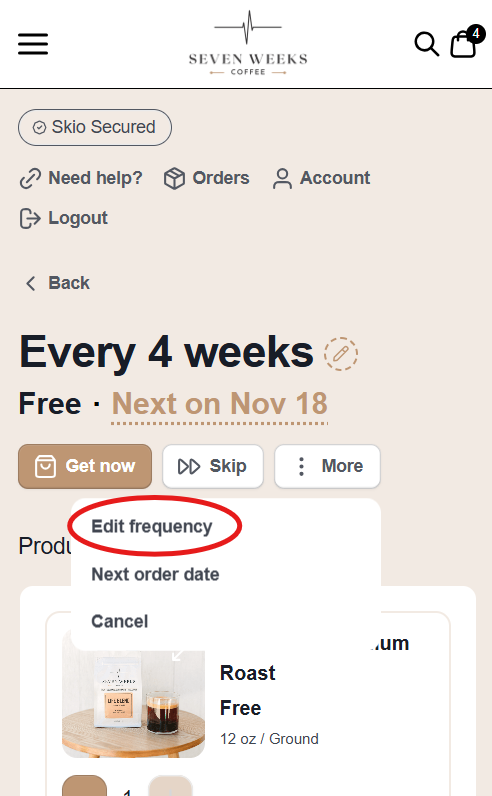
4. Select "Edit frequency":
5. Select on the "Delivery every x weeks" for a drop down to change the frequency: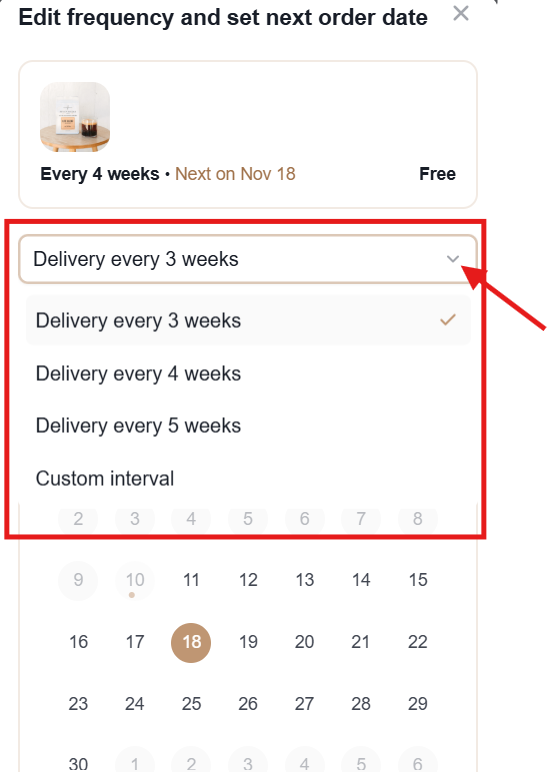
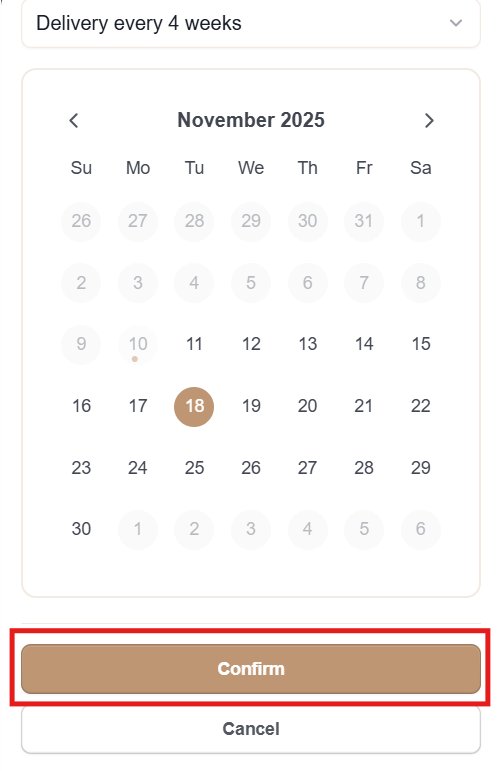
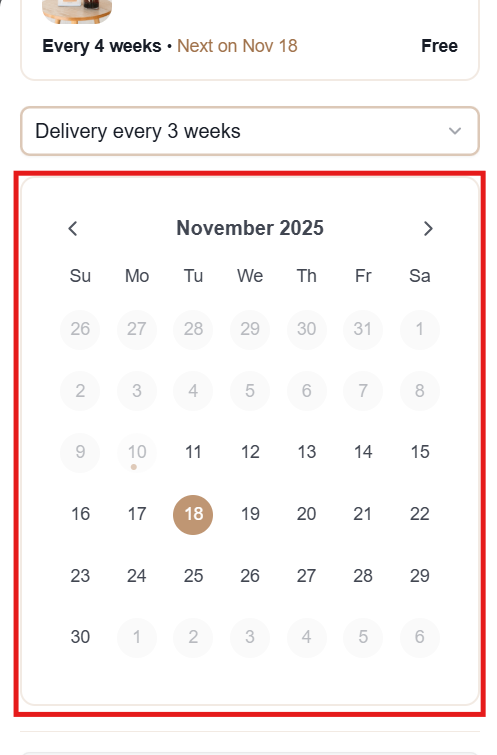
6. Use the calendar to choose the date for your next order:
7. Select "Confirm" to save these changes: