How do I update my shipping address?Updated 11 days ago
Updating my shipping address.
You will need to follow these steps:
- Login to your account portal or select manage subscriptions:

Proceed to select "MANAGE SUBSCRIPTIONS":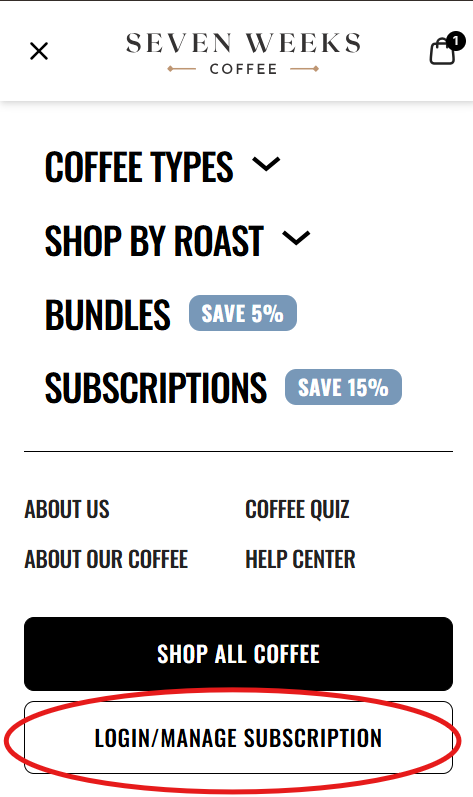
- Find the subscription you wish to adjust (In case there are multiple subscriptions)
- Scroll down until you find 'Shipping information' and then click on "Edit":
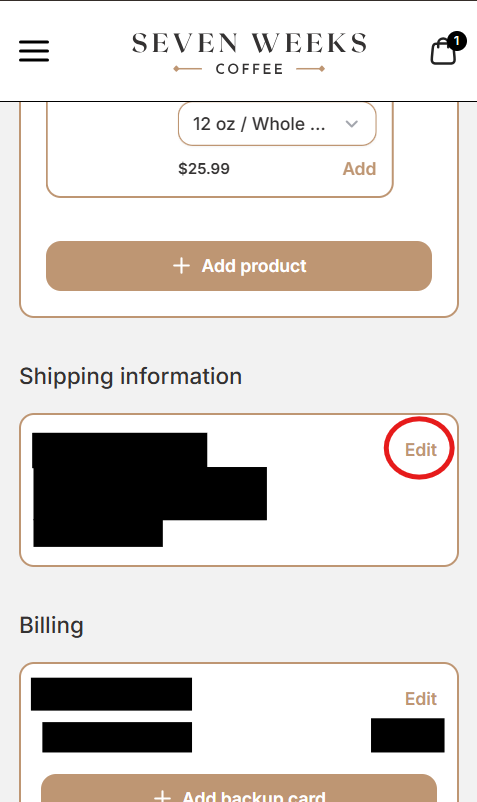
4. Fill out your new shipping information and the proceed to click "Save" once finished.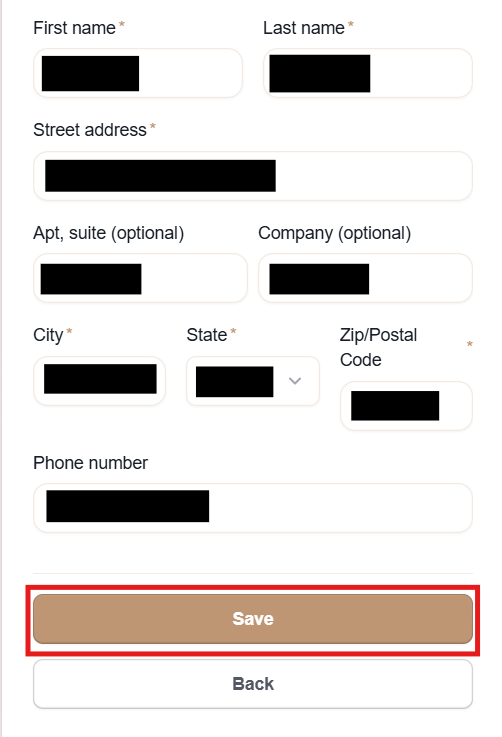
Keep in mind that if an order has already processed and you wish to change the shipping address for it, email [email protected] to have the change made.
P.S. These instructions are for a mobile device. If you are on a computer the option to login and manage subscription will be on the top right of our home page.